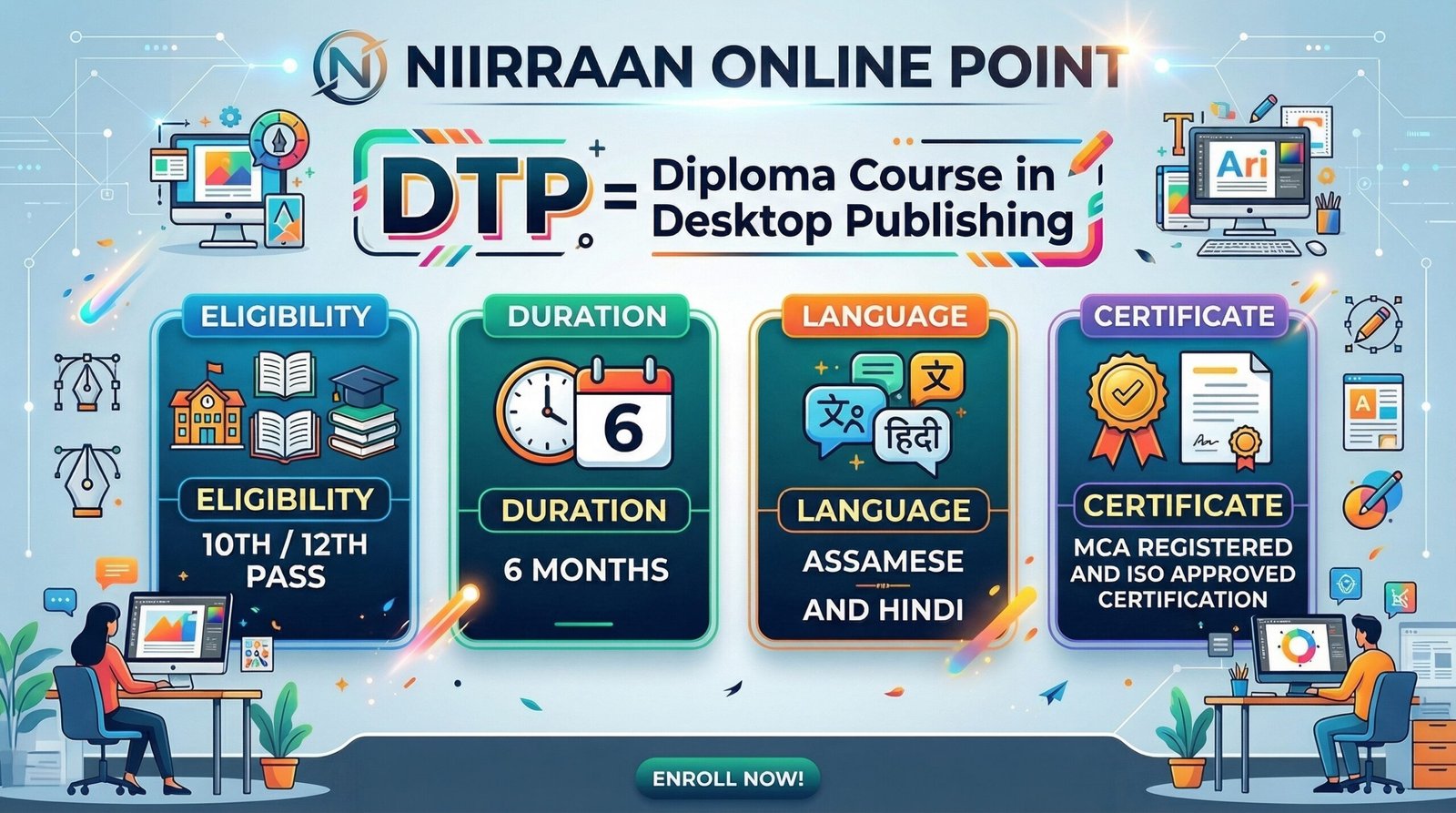
DTP = Diploma Course in Desktop Publishing
Share Course
Page Link
Share on social media
Enrolled:0
Course level:All Levels
Last Updated:March 8, 2026
by
nirantantiofficial@gmail.com
Course Duration:
30h
Categories
CENTRE COURSES WITH CERTIFICATION
₹3,999
₹4,599
Hi, Welcome back!
Course Curriculum
ASSAMESE – Module 1: Complete IT Foundation (Base Building)
-
Video 1: Concept of Computer (IPO Cycle)
-
Video 2: History & Generations of Computer
-
Video 3: How to Turn ON & OFF Safely
-
Video 4: Mouse Mastery (Practical)
-
Video 5: Keyboard Layout & Special Keys
-
Video 6: Hardware vs. Software Concepts
-
Video 7: CPU & Memory Architecture
-
Video 8: Operating System (Windows)
-
Video 9: File & Folder Management
-
Video 10: Basic Utilities (Practical Application)
ASSAMESE – Module 2: Professional Typing Mastery
-
Video 11: English Touch Typing Part 1 (Home Row)
-
Video 12: English Touch Typing Part 2 (Top/Bottom Row)
-
Video 13: Numeric Keypad (Numpad) Mastery
-
Video 14: Regional Typing Setup (Hindi/Assamese)
ASSAMESE – Module 3: Internet & Cyber Security
-
Video 15: Internet Basics & Advanced Search
-
Video 16: Professional Emailing (Gmail)
-
Video 17: Cloud Computing (Google Workspace)
-
Video 18: E-Services & Digital Formats
-
Video 19: Cyber Security & Digital Payments
ASSAMESE – Module 4: Commercial Graphic Design (DTP)
-
Video 20: Adobe Photoshop Basics
-
Video 21: Photoshop Advanced Editing
-
Video 22: Photoshop Commercial Projects
-
Video 23: CorelDraw Vector Basics
-
Video 24: CorelDraw Node Editing & Typography
-
Video 25: CorelDraw Commercial Print Design
-
Video 26: InDesign / PageMaker (Publishing)
ASSAMESE – Module 5: Corporate Soft Skills & AI
-
Video 27: Job Readiness & Resume Building
-
Video 28: AI in the Office (ChatGPT Mastery)
HINDI – Module 1: Complete IT Foundation (Base Building)
-
Video 1: Concept of Computer (IPO Cycle)
-
Video 2: History & Generations of Computer
-
Video 3: How to Turn ON & OFF Safely
-
Video 4: Mouse Mastery (Practical)
-
Video 5: Keyboard Layout & Special Keys
-
Video 6: Hardware vs. Software Concepts
-
Video 7: CPU & Memory Architecture
-
Video 8: Operating System (Windows)
-
Video 9: File & Folder Management
-
Video 10: Basic Utilities (Practical Application)
HINDI – Module 2: Professional Typing Mastery
-
Video 11: English Touch Typing Part 1 (Home Row)
-
Video 12: English Touch Typing Part 2 (Top/Bottom Row)
-
Video 13: Numeric Keypad (Numpad) Mastery
-
Video 14: Regional Typing Setup (Hindi/Assamese)
HINDI – Module 3: Internet & Cyber Security
-
Video 15: Internet Basics & Advanced Search
-
Video 16: Professional Emailing (Gmail)
-
Video 17: Cloud Computing (Google Workspace)
-
Video 18: E-Services & Digital Formats
-
Video 19: Cyber Security & Digital Payments
HINDI – Module 4: Commercial Graphic Design (DTP)
-
Video 20: Adobe Photoshop Basics
-
Video 21: Photoshop Advanced Editing
-
Video 22: Photoshop Commercial Projects
-
Video 23: CorelDraw Vector Basics
-
Video 24: CorelDraw Node Editing & Typography
-
Video 25: CorelDraw Commercial Print Design
-
Video 26: InDesign / PageMaker (Publishing)
HINDI – Module 5: Corporate Soft Skills & AI
-
Video 27: Job Readiness & Resume Building
-
Video 28: AI in the Office (ChatGPT Mastery)
Target Audience
- 10th or 12th pass students looking to start a career in graphic design, printing, and computer applications.
- Individuals who prefer to learn professional Desktop Publishing (DTP) concepts in Hindi or Assamese.
- Job seekers aiming to upgrade their typing speed, corporate soft skills, and AI knowledge for better opportunities.
What I will learn?
- Build a strong IT foundation by mastering computer basics, hardware, and operating systems.
- Achieve professional typing mastery in English, as well as regional languages like Hindi and Assamese.
- Securely navigate the internet, manage professional emails, and handle digital payments safely.
- Create commercial graphic designs and print materials using Adobe Photoshop, CorelDraw, and InDesign/PageMaker.
- Develop corporate soft skills, build effective resumes, and utilize AI tools like ChatGPT for modern office work.
Tags
Material Includes
- Comprehensive video lessons covering 5 complete modules available in both Assamese and Hindi languages.
- Quizzes and interactive content to test your knowledge after lessons.
- An MCA and ISO approved Certification upon successful completion of the course.
Requirements
- The minimum educational eligibility to enroll is 10th or 12th pass.
- A basic understanding of either the Assamese or Hindi language to follow the instruction.
- A desktop or laptop computer to actively practice typing and graphic design software like Photoshop and CorelDraw.