Description
COURSE DETAILS
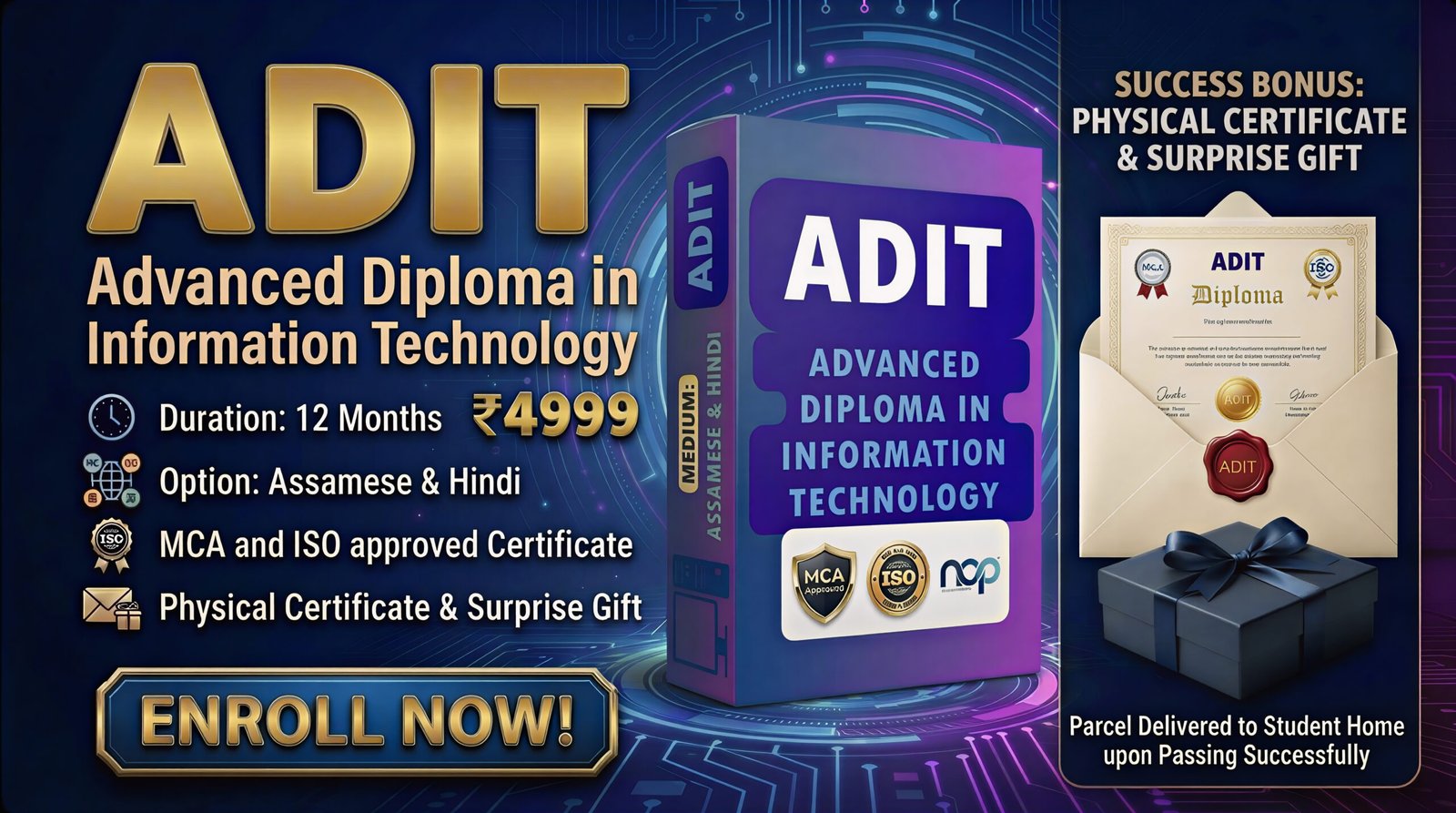
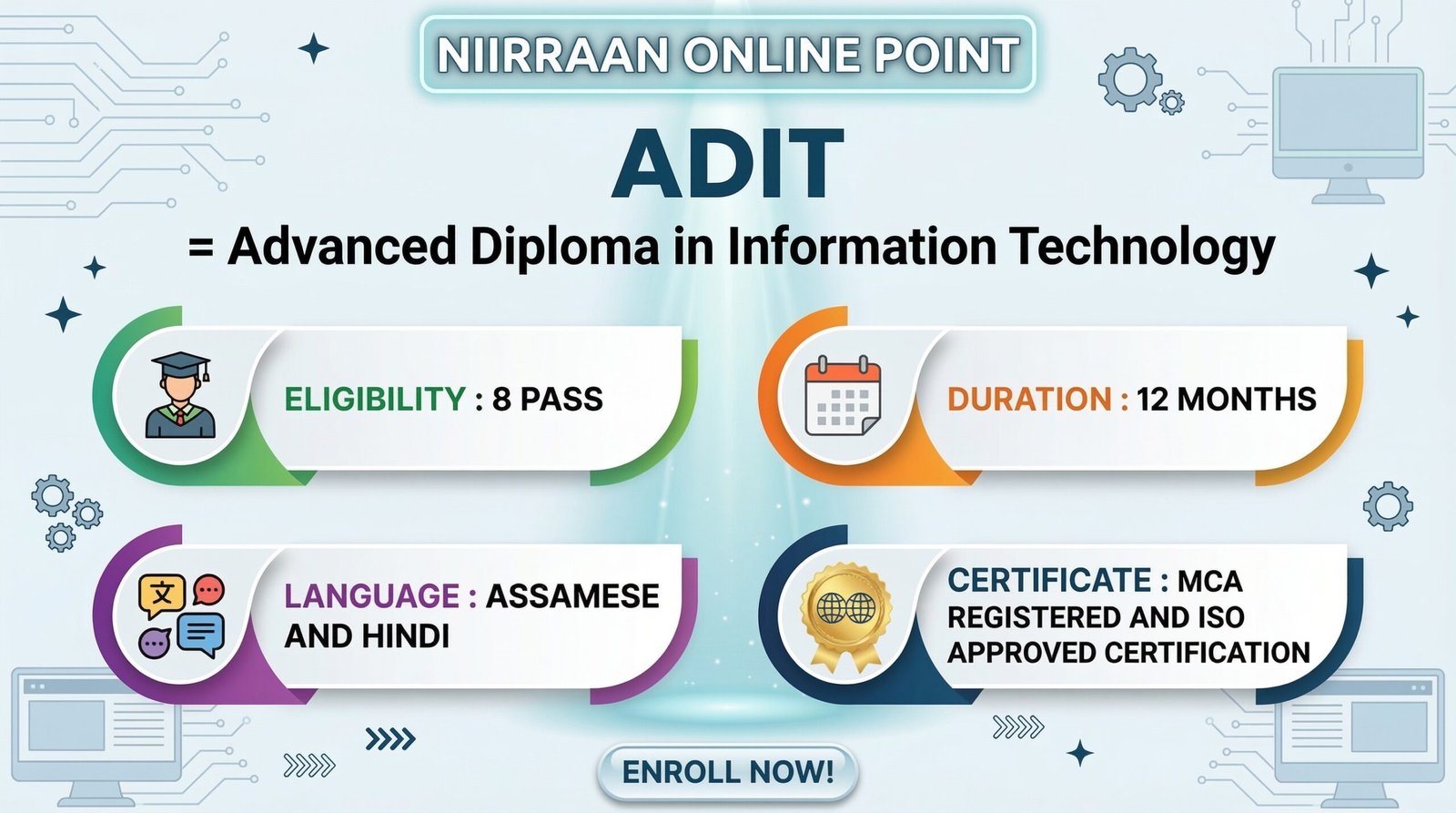
NAME : ADVANCE DIPLOMA IN INFORMATION TECHNOLOGY
ELIGIBILITY : 8 PASS
DURATION : 12 MONTH
LANGUAGE : ASSAMESE
CERTIFICATE : GOVERNMENT APPROVED CERTIFICATION
BENIFITS : 2 MAIN AND MORE
-
MCA REGISTERD AND ISO APPROVED CERTIFICATION
-
HIGH QUALITY COURSE CONTENT
AND MANY MORE BENIFITS
Module 1: Complete IT Foundation (Base Building)
- Video 1: Concept of Computer (IPO Cycle)
- Definition of Computer and how it processes data.
- Understanding the Input-Process-Output (IPO) cycle with real-world examples.
- Characteristics of a computer (Speed, Accuracy, Diligence).
- Video 2: History & Generations of Computer
- Evolution from Abacus and Pascaline to Modern PCs.
- Detailed breakdown of 1st to 5th Generations (Vacuum tubes, Transistors, ICs, Microprocessors, AI).
- Video 3: How to Turn ON & OFF Safely
- Step-by-step Booting process (Cold Boot vs. Warm Boot).
- Proper Shutdown sequence to prevent data loss and OS corruption.
- Understanding Sleep, Hibernate, and Restart modes.
- Video 4: Mouse Mastery (Practical)
- Correct ergonomic grip and pointer control.
- Practical exercises for Left Click, Right Click, Double Click.
- Mastering Scrolling and Drag-and-Drop functionality.
- Video 5: Keyboard Layout & Special Keys
- Understanding typing zones: Alphanumeric, Numpad, Navigation keys.
- Use of modifier keys (Shift, Ctrl, Alt) and Function keys (F1-F12).
- Toggle keys (Caps Lock, Num Lock) and Backspace vs. Delete.
- Video 6: Hardware vs. Software Concepts
- Identifying physical components (Hardware) vs. virtual programs (Software).
- System Software (OS) vs. Application Software (MS Word, Tally).
- Detailed look at Input and Output peripheral devices.
- Video 7: CPU & Memory Architecture
- Inside the CPU: Arithmetic Logic Unit (ALU) and Control Unit (CU).
- Primary Memory: Differences between RAM (Volatile) and ROM (Non-volatile).
- Secondary Storage: Hard Disk Drives (HDD), Solid State Drives (SSD), and USBs.
- Video 8: Operating System (Windows)
- Navigating the Windows Desktop interface and Taskbar.
- Customizing Display Settings and Date/Time configuration.
- Using the Control Panel for basic system modifications.
- Video 9: File & Folder Management
- Creating, naming, and renaming folders properly.
- The difference between Cut-Paste (Move) and Copy-Paste.
- Deleting files safely and restoring them from the Recycle Bin.
- Video 10: Basic Utilities (Practical Application)
- MS Paint: Advanced mouse control practice through shape drawing and filling.
- Notepad & WordPad: First practical experience with typing, saving text files, and basic text formatting.
Module 2: Professional Typing Mastery
- Video 11: English Touch Typing Part 1 (Home Row)
- Proper finger positioning on the ASDF and JKL; keys.
- Ergonomic posture to avoid typing fatigue.
- Video 12: English Touch Typing Part 2 (Top/Bottom Row)
- Reaching the QWERTY and ZXCVB rows without looking at the keyboard.
- Target speed drills to reach 30-35+ WPM.
- Video 13: Numeric Keypad (Numpad) Mastery
- Finger placement for rapid data entry of numbers.
- Essential for accounting, inventory codes, and phone numbers.
- Video 14: Regional Typing Setup (Hindi/Assamese)
- Installing local language fonts (Kruti Dev/Mangal/Unicode).
- Basic keyboard layout mapping for regional scripts.
Module 3: Office Automation & MIS (Data Core)
- Video 15: MS Word Basics (Formatting & Layout)
- Document creation, saving, and page setup (Margins, Orientation).
- Text formatting (Font styles, Colors, Line spacing, Alignment).
- Video 16: MS Word Advanced (Tables & Objects)
- Inserting, merging, and formatting Tables for structured data.
- Adding Shapes, SmartArt, Headers, Footers, and Page Numbers.
- Video 17: MS Word Pro Skill (Mail Merge)
- Step-by-step creation of bulk corporate letters.
- Linking Excel data lists to a Word document for automated printing.
- Video 18: MS Excel Basics (Spreadsheets)
- Understanding Rows, Columns, Cells, and Workbooks.
- Data entry shortcuts, Text Wrap, and Merge & Center.
- Video 19: MS Excel Essential Formulas
- Applying mathematical formulas: SUM, AVERAGE, MIN, MAX, COUNT.
- Using AutoSum and dragging formulas across cells.
- Video 20: MS Excel Data Handling
- Sorting data (A to Z, Highest to Lowest).
- Applying Custom Filters to find specific data instantly.
- Data Validation to prevent incorrect data entry.
- Video 21: MS Excel Advanced Formulas (MIS)
- Logical formulas: Understanding IF, AND, OR conditions.
- Lookup formulas: Mastering VLOOKUP and HLOOKUP for database searching.
- Video 22: MS Excel Reporting (Pivot & Charts)
- Creating visual Data Charts (Pie, Bar, Line graphs).
- Summarizing massive datasets using basic Pivot Tables.
- Video 23: MS PowerPoint (Corporate Presentations)
- Slide creation, selecting professional Layouts and Themes.
- Applying Custom Animations and Slide Transition effects.
- Video 24: MS Access (Database Basics)
- Understanding flat files vs. relational databases.
- Creating Tables, Data Types, and designing simple Data Entry Forms.
Module 4: Internet & Cyber Security
- Video 25: Internet Basics & Advanced Search
- Understanding URLs, Domains, and Web Browsers (Chrome, Edge).
- Advanced Google Search operators to find exact files and information.
- Video 26: Professional Emailing (Gmail)
- Drafting corporate emails and creating professional signatures.
- The exact difference between CC and BCC, and managing large attachments.
- Video 27: Cloud Computing (Google Workspace)
- Uploading and sharing files via Google Drive.
- Live collaboration using Google Docs and Google Sheets.
- Video 28: E-Services & Digital Formats
- Converting Word to PDF, compressing large PDFs.
- Navigating online portals to download PAN/Aadhar and fill forms.
- Video 29: Cyber Security & Digital Payments
- Identifying phishing emails and creating unbreakable passwords.
- Safe practices for UPI, NEFT, and Net Banking transactions.
Module 5: Web & IT Tech
- Video 30: Web Design Basics (HTML Structure)
- Understanding web architecture.
- Using basic HTML tags (Headings, Paragraphs, Lists) to structure a page.
- Video 31: Advanced HTML & CSS Styling
- Inserting images, hyperlinks, and tables into web pages.
- Using Inline and Internal CSS to add colors, fonts, and layouts.
- Video 32: Programming Logic & Flowcharts
- How software thinks: Understanding algorithms and flowcharts.
- Concept of Variables and Data Types.
- Video 33: Intro to Programming (C/Python Basics)
- Writing the first basic program syntax.
- Understanding logic structures: If/Else conditions and For/While loops.
Module 6: Corporate Soft Skills & AI
- Video 34: Job Readiness & Resume Building
- Structuring an ATS-friendly, professional Resume/Bio-data in MS Word.
- Basic interview etiquette, body language, and corporate communication.
- Video 35: AI in the Office (ChatGPT Mastery)
- Introduction to Generative AI for office productivity.
- Writing exact prompts in ChatGPT to draft formal emails and generate complex Excel formulas instantly.




Reviews
There are no reviews yet.